Reading data from SAS, Excel, CSV, or the clipboard into R and exporting it to the desired file format is a bit tedious, requiring different commands and packages for each format.
Here is the “rio package” which solves such problems.
It is a beginner-friendly design that supports reading and exporting of many file formats and does not require complicated settings.To export, simply set the desired file extension.
In most cases, the use of import and export will be sufficient.
Package version is 0.5.29. Checked with R version 4.2.2.
Supported File Formats
Here are some typical readings and exports.
| File Extension | Read | Write |
|---|---|---|
| tsv | ◯ | ◯ |
| csv | ◯ | ◯ |
| psv | ◯ | ◯ |
| fwf | ◯ | ◯ |
| rds (R) | ◯ | ◯ |
| Rdata (R) | ◯ | ◯ |
| json | ◯ | ◯ |
| dta (Stata) | ◯ | ◯ |
| sav (SPSS) | ◯ | ◯ |
| dbd (XBASE) | ◯ | ◯ |
| xls, xlsx (Excel) | ◯ | Only xlsx file |
| arft | ◯ | ◯ |
| R (R) | ◯ | ◯ |
| xml | ◯ | ◯ |
| sas7bdat, xpt (SAS) | ◯ | × |
| mtp | ◯ | × |
| rec | ◯ | × |
| syd (Systat) | ◯ | × |
| dif | ◯ | × |
| ods | ◯ | × |
| Fortran | ◯ | × |
| Clipbord | ◯ | × |
Install Package
Run the following command.
#Install Package
install.packages("rio")
Example
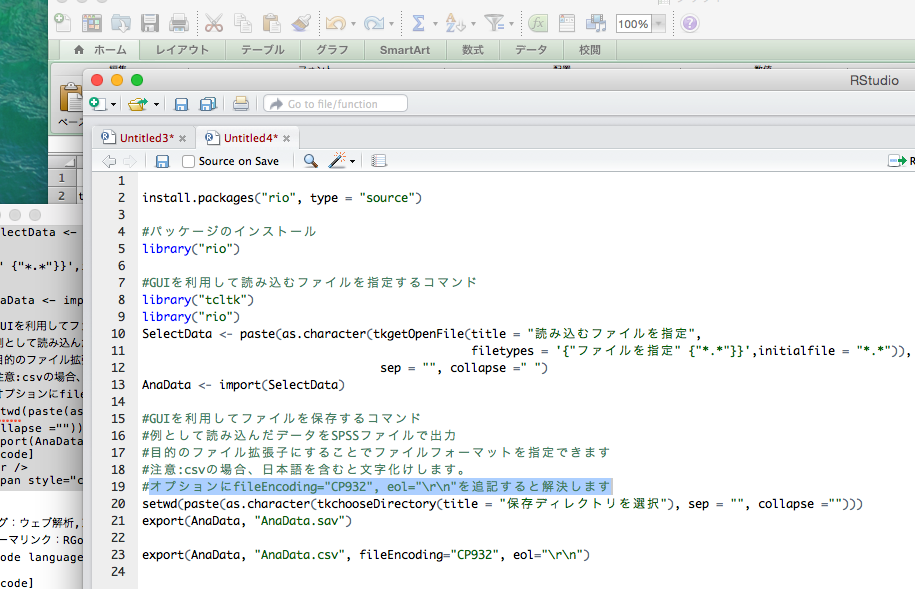
Since commands alone are not beginner friendly, we use the tcltk package so that data can be read and exported from the GUI.
#Command to specify files to be read using GUI
library("tcltk")
library("rio")
SelectData <- paste(as.character(tkgetOpenFile(title = "Read File",
                                                  filetypes = '{"Select File" {"*.*"}}',initialfile = "*.*")),
                       sep = "", collapse =" ")
AnaData <- import(SelectData)

#Exsample:Output data to SPSS file
###Creating Data
#####
#Install the tidyverse package if it is not already there
if(!require("tidyverse", quietly = TRUE)){
  install.packages("tidyverse");require("tidyverse")
}
set.seed(1234)
n <- 300
TestData <- tibble(Group = sample(paste0("Group", 1:4), n,
                                  replace = TRUE),
                   X_num_Data = sample(c(c(1:30), c(100:175)),
                                       n, replace = TRUE),
                   Y_num_Data = sample(c(51:100), n, replace = TRUE))

setwd(paste(as.character(tkchooseDirectory(title = "Save Directory"), sep = "", collapse ="")))

#Save::export command
export(TestData, "TestData.sav")
I hope this makes your analysis a little easier !!