 からだにいいもの
 Analysis in R: Commands for truncating and raising decimal points
This is an introduction to commands related to truncating and raising decimal points that are often forgotten. We hope this will help you.
The execution command is confirmed with R version 4.2.1.
<おすすめのRに関する書籍です>
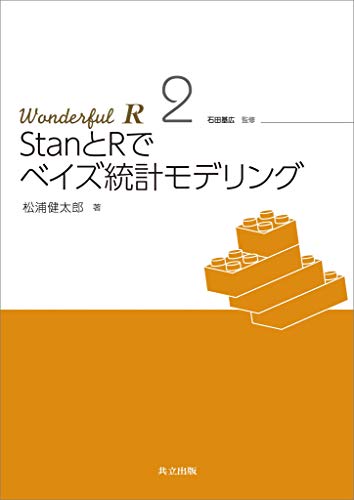
StanとRでベイズ統計モデリング Wonderful R 2 | 松浦健太郎, 石田基広
Stanによるベイズ統計モデリングの実践書。現実のデータ解析を念頭に、モデリングの考え方から丁寧に解説する。
Execute command
See the comments and command help for details.
#Round command
#Round to the number specified by the digits option
round(11.12345, digits = 4)
[1] 11.1235

#Ceiling command
#Smallest integer not less than the specified value (integer part)
ceiling(11.000001)
[1] 12

#Floor command
#Floor command #maximum integer that will not be less than the specified value (integer part)
floor(11.000001)
[1] 11

#Trunc command
#Truncate the decimal part
trunc(11.11111)
[1] 11

#Format command
#Set the number of digits: nsmall option
format(11.000001, nsmall = 3)
[1] "11.000"

#Additional
#Use string::str_pad command
#Add zeros at the beginning to align :pad option to specify what to add at the beginning
#Install the tidyverse package if not already installed
if(!require("tidyverse", quiet = TRUE)){ install.packages("tidyverse")
  install.packages("tidyverse");require("tidyverse")
}
11 %>% str_pad(4, pad = 0)
[1] "0011"

#Add 0 to the decimal point
#In this example, add 4 decimal places
#Note that it may not round up to the nearest integer
sprintf(11.10005, fmt = '%#.4f')
[1] "11.1000"
スポンサーリンク
Introduction to useful packages and formatting examples
I hope this makes your analysis a little easier !!

スポンサーリンク